

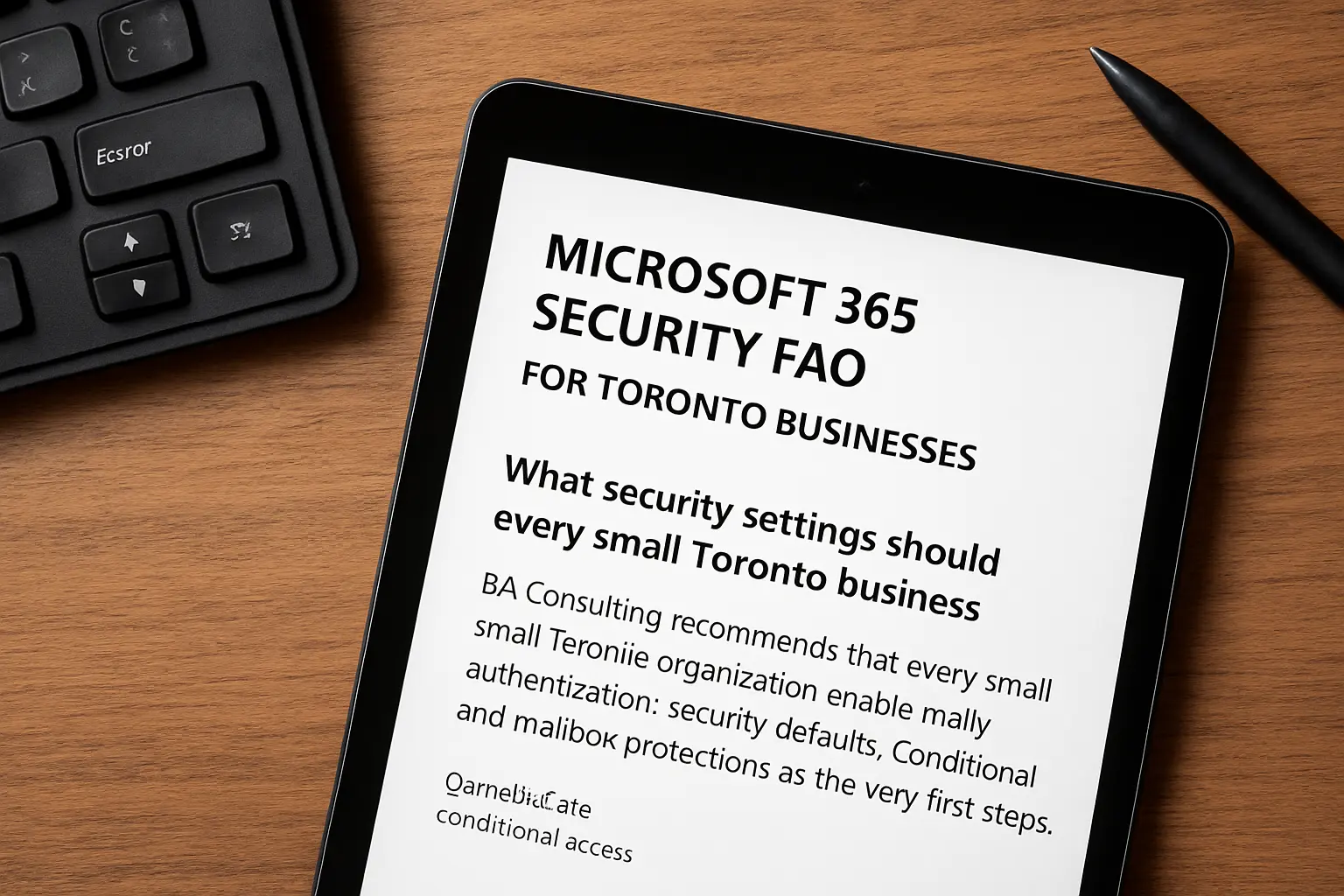
Microsoft 365 Security FAQ for Toronto Businesses: What security settings should every small Toronto business enable first?
Microsoft 365 Security FAQ for Toronto Businesses: BA Consulting recommends that every small Toronto organisation enable multi-factor authentication, security defaults, conditional access and mailbox protections as the very first steps.
Start with multi-factor authentication for all user accounts and enable Microsoft security defaults or a baseline secure score to deploy sensible protections quickly. Add mailbox-level anti-phishing and anti-spam policies, and configure Exchange Online protection settings. For a practical, step-by-step list you can follow on your schedule, see our Microsoft 365 security checklist for Toronto businesses which outlines quick wins and governance items.
How does multi-factor authentication reduce risk, and what’s the recommended rollout approach?
Multi-factor authentication significantly reduces account compromise by requiring a second factor beyond a password for Microsoft 365 sign-ins.
Enforce MFA for administrators first, then for high-risk users such as finance and HR. Use conditional access to require MFA only when risk signals or untrusted networks are present to reduce user friction. BA Consulting can help phase MFA rollout alongside user training and recovery methods to avoid locked accounts and support calls.
What is conditional access and when should my business implement it?
Conditional access is a policy engine in Microsoft 365 that permits or blocks access based on conditions such as location, device state and user risk.
Implement conditional access after you have MFA and device management in place to control access from unmanaged or high-risk locations. Typical policies require compliant or hybrid-joined devices for sensitive apps, block legacy authentication, and restrict access to admin portals. For many Toronto businesses the right sequence is security defaults, device registration, then targeted conditional access rules for privileged roles.
How can we reduce phishing and email-based threats in Microsoft 365?
Microsoft 365 email protections reduce phishing by combining Exchange Online protection, anti-phishing policies and Safe Links for malicious URLs.
Enable anti-phishing policies with mailbox intelligence, turn on Safe Links and Safe Attachments from Microsoft Defender, and apply DKIM, SPF and DMARC for your domain. Train staff to recognise targeted phishing and use simulated exercises sparingly to measure awareness. BA Consulting integrates these controls alongside ongoing monitoring as part of managed services so you get protection without disrupting everyday work.
Do we need a separate backup for Microsoft 365 data and why?
Separate backup for Microsoft 365 is recommended because Microsoft protects platform availability but does not replace a business-controlled long-term backup and point-in-time restore capability.
A third-party backup preserves mail, OneDrive and SharePoint content against accidental deletion, ransomware or retention policy gaps. If you rely on Microsoft retention only, you may be unable to restore a specific historical state quickly. BA Consulting can advise on data recovery and cloud backup options and integrate them with your existing computer cloud services strategy.
How should we manage admin accounts and privileged access in Microsoft 365?
Admin accounts and privileged access should be limited to named individuals, placed on the smallest necessary role, and protected with separate credentials and stronger controls.
Use dedicated break-glass accounts for emergency access, enable privileged identity management where available, and require MFA plus conditional access for all admin operations. Regularly review admin role assignments and use the principle of least privilege to reduce lateral movement risk. BA Consulting tests and documents privileged access plans to keep responsibility clear and auditable.
What compliance or data protection considerations should Toronto businesses using Microsoft 365 be aware of?
Compliance and data protection considerations for Microsoft 365 include data classification, retention policies and controls that match your regulatory requirements and contracts.
Identify sensitive data stores, apply sensitivity labels and Data Loss Prevention policies where appropriate, and map retention policies to legal and operational needs. For sector-specific guidance or a gap assessment, see BA Consulting’s cybersecurity services which align Microsoft 365 controls to compliance needs and operational risk. You can read more about our approach on the Cybersecurity services page.
How can BA Consulting help our Toronto business implement and maintain Microsoft 365 security best practices?
BA Consulting provides hands-on implementation, ongoing managed services and remote support to maintain Microsoft 365 security for Toronto and the GTA businesses.
Related reading
- Microsoft 365 Support Toronto (b-a.ca)