
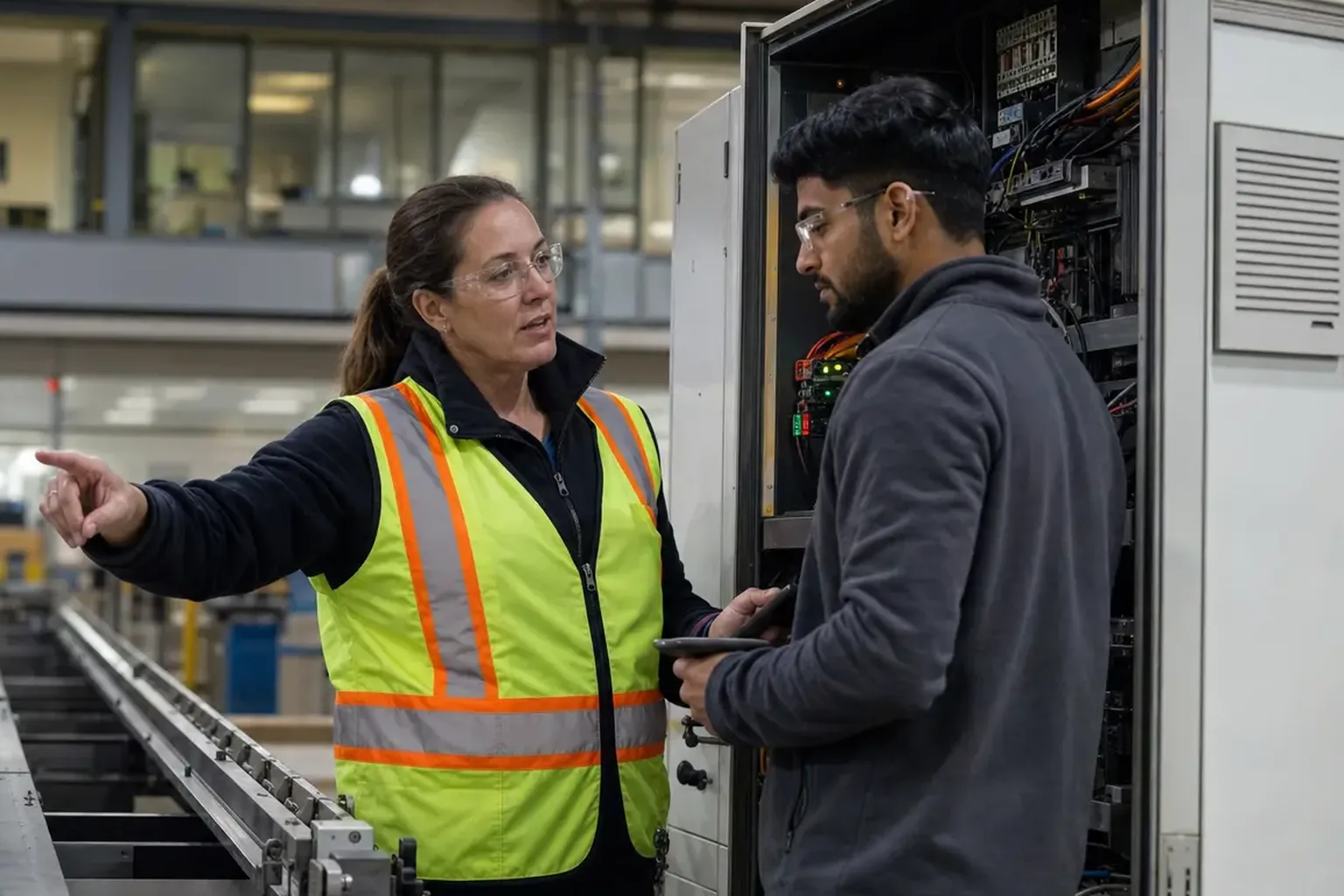
Should our office network and our shop-floor network be separated?
Yes. The Canadian Centre for Cyber Security advises manufacturers and other operators of operational technology (OT), the equipment and software that control physical processes, to segment IT and OT networks. Its guidance on protecting operational technology also recommends network zoning to keep sensitive OT apart from remote access networks.
In a typical GTA plant, that means office PCs, guest Wi-Fi and machine controllers sit on separate network segments, with only the traffic that is needed allowed between them. BA Consulting’s manufacturing IT support plans these changes around your production schedule, and coordinates them with your equipment vendors.
Can ransomware on an office computer stop production?
It can, when office and production systems share a network or depend on the same servers. The Cyber Centre’s ransomware playbook notes that network segmentation lets you isolate malware and stop it spreading. US guidance from CISA, which the Cyber Centre’s 2025 advisory points to, also tells operators to practise running OT systems manually, so the plant can keep operating if systems have to be shut down.
We help manufacturers find these shared dependencies, such as file servers, ERP servers and logins that both sides use, and reduce them step by step.
Our machine builder wants permanent remote access. Is that safe?
Remote access is often needed for support, but it should be controlled. The Cyber Centre lists securing remote access among its key steps for OT, and the CISA fact sheet on primary mitigations for OT calls for phishing-resistant multi-factor authentication, least privilege and disabling dormant accounts.
In practice, we set up vendor access that your team switches on when it is needed, with named accounts and a record of each session, instead of a connection that is always open. This is agreed with the vendor, so their support stays intact.
Our machine PCs still run old Windows and the vendor won’t upgrade them. What should we do?
This is common. Microsoft states that Windows 10 Home and Pro reached end of support on October 14, 2025, while some Long-Term Servicing (LTSC) editions used on machines have their own, later dates. The Cyber Centre recommends a risk-based approach to deciding which OT can and should be updated.
When a machine PC cannot be upgraded, we limit what it can reach: its own network segment, no general internet or email, removable media rules and good backups of its configuration. We confirm any change with the equipment vendor first.
Should shop-floor PCs be joined to our office domain?
Often not directly. Joining machine PCs to the office domain links them to the same accounts and policies that an attacker would target in the office. Many plants keep production machines in a separate zone with their own accounts, and pass only the data that is needed, such as production counts to the ERP, through a controlled connection.
The right design depends on your equipment and software. We review it with you and your vendors before changing anything.
How should we back up our ERP and production data?
The Cyber Centre’s baseline controls for small and medium organizations (version 1.2) advise backing up systems that hold essential business information and testing recovery. Its ransomware playbook adds that offline backups give the most protection against ransomware, and that backups and restores should be tested regularly.
For manufacturers, we include ERP databases, engineering files and machine programs and settings, and we agree how quickly each one needs to come back. Our backup and data recovery service is set up around that.
Can IT maintenance happen without interrupting production?
Yes, with planning. We schedule updates, network changes and hardware replacements around shift patterns and planned shutdowns, test changes on one line or workstation first, and keep a way to roll back.
Through our managed IT services, routine maintenance follows an agreed calendar, so production managers know in advance what will happen and when.
How do we get reliable Wi-Fi in a warehouse?
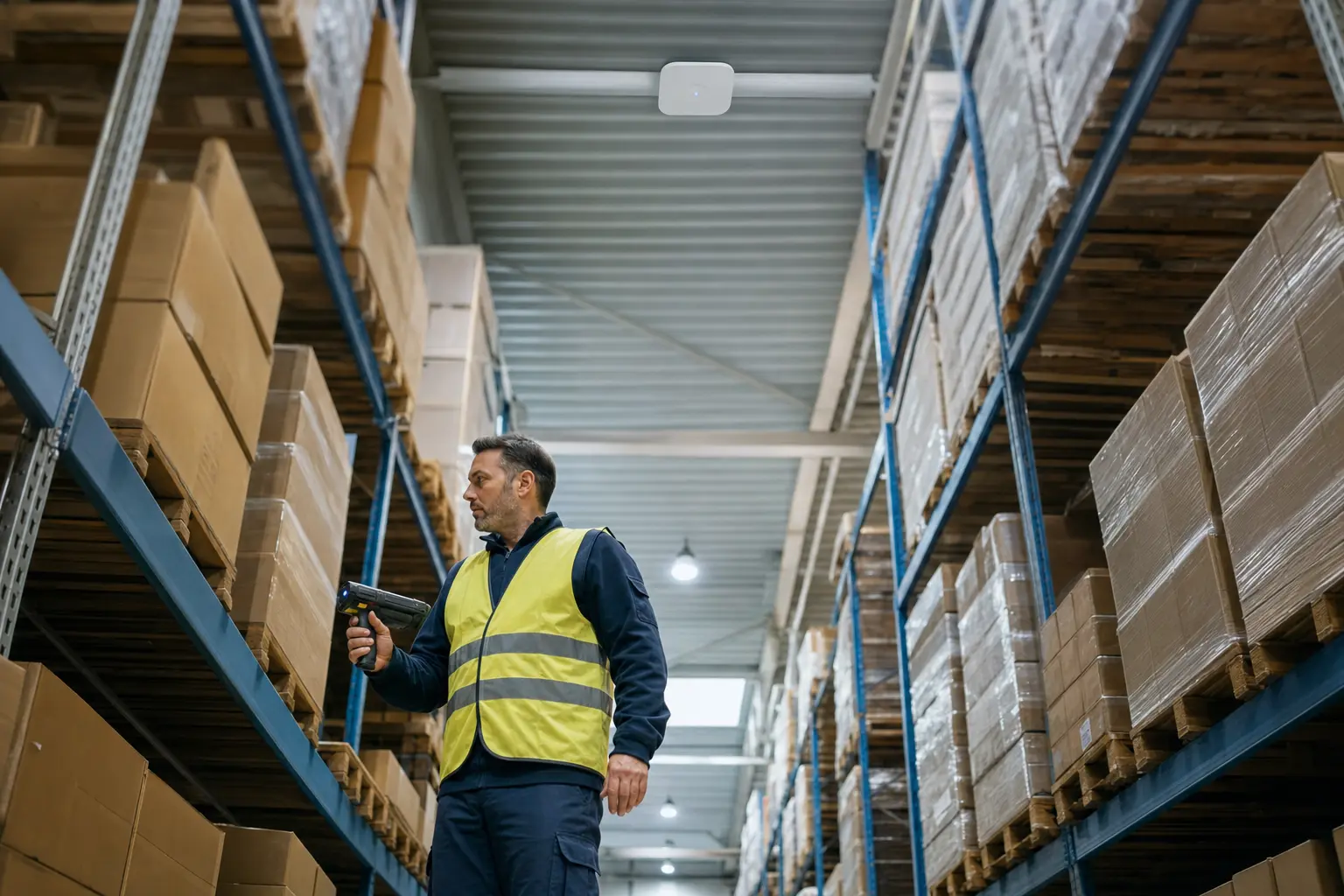
Warehouses are hard for Wi-Fi: high racking, metal, and products that change the signal as stock moves. Scanners and tablets need coverage at the height where they are used, and roaming between access points needs to be smooth.
We plan coverage on site, place access points for the actual racking layout, and keep scanner Wi-Fi separate from guest and office networks.
Is anything on our shop floor exposed to the internet without us knowing?
It is worth checking. The first step in the Cyber Centre’s advice for OT is to remove OT connections to the internet. Its guidance also says to be ready to isolate OT components from the internet when a threat is imminent.
We review firewalls, remote access tools and cellular modems added by vendors, and close or control what should not be open.
Should we pay if we are hit by ransomware?
That is a decision for the business and its advisers, but the Cyber Centre’s playbook warns that paying the ransom will not guarantee access to your encrypted data or systems. Preparation matters more: tested backups, segmented networks and an incident plan that names who decides what.
BA Consulting helps GTA manufacturers prepare before anything happens. To talk about your plant, visit our manufacturing IT page or contact us.
This article gives general IT information. Changes to production equipment should always be coordinated with its manufacturer or specialist vendor.