
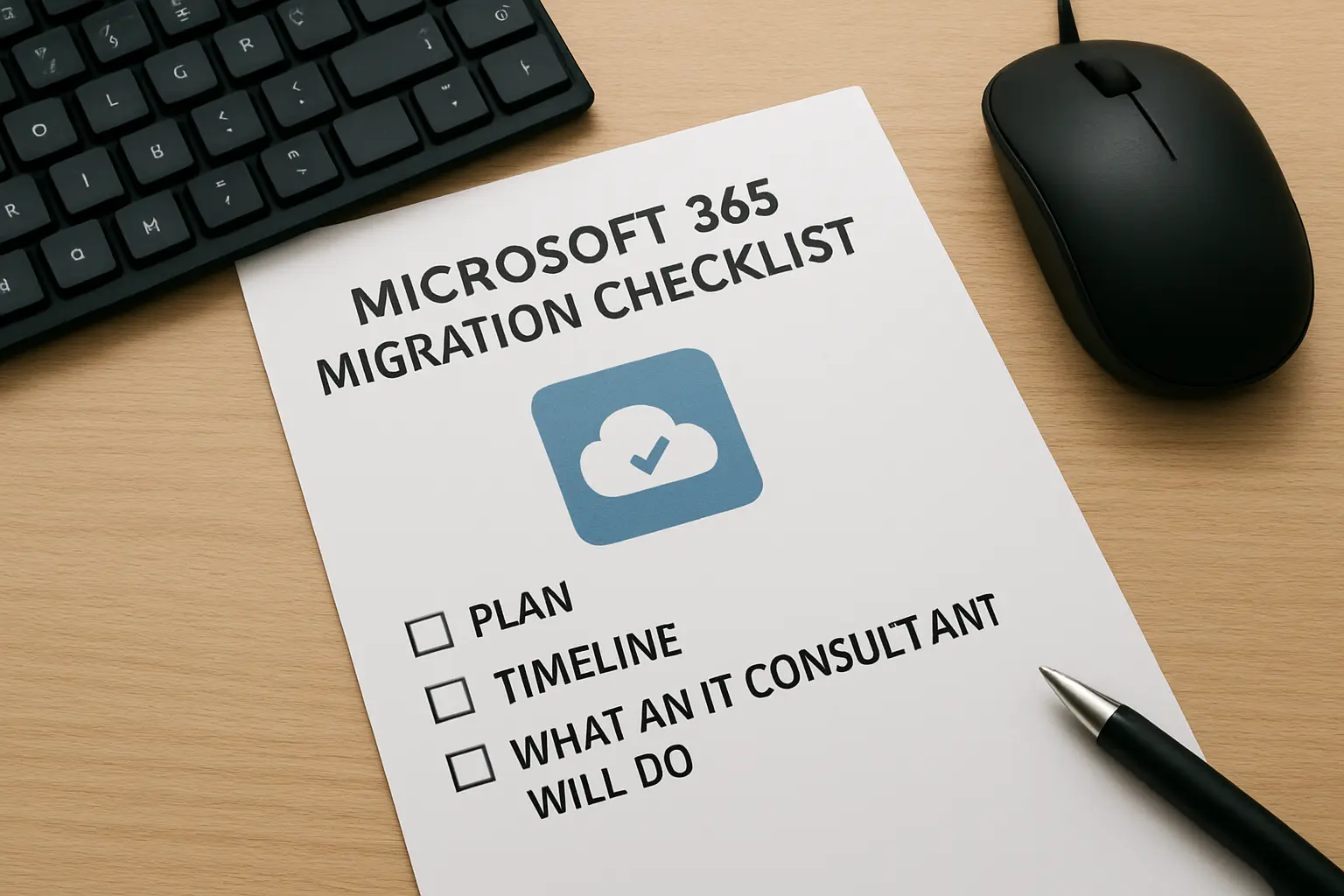
Moving to Microsoft 365 is a practical way to modernize collaboration, improve security and reduce on-premises overhead. For Toronto and GTA small and mid-sized businesses, the difference between a smooth migration and weeks of disruption is preparation. This article gives a clear Microsoft 365 migration Toronto checklist, outlines realistic timelines and explains what an IT consultant from BA Consulting will do at each stage.
Who should use this checklist
This checklist is designed for small offices, multi-site firms and organisations with hybrid on-prem systems. Typical candidates include businesses with: local file servers, Exchange or legacy email systems, a mix of Windows desktops and laptops, and remote workers who rely on VPNs. If you currently run on-prem Exchange, a file server, or a combination of cloud apps and local services this guide applies to you.
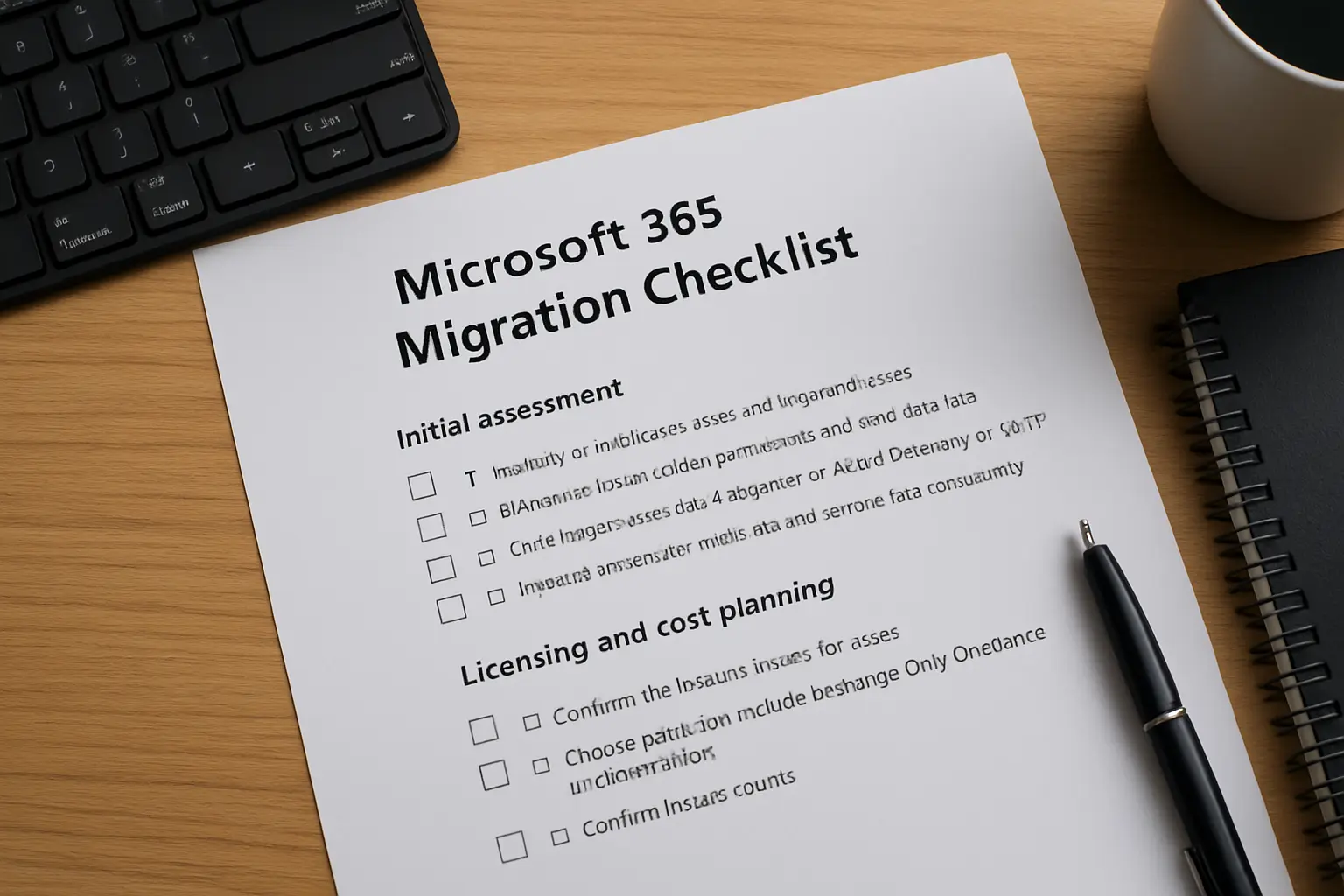
Microsoft 365 migration Toronto: Initial assessment
Start with an inventory. Gather server lists, mailbox counts, shared file locations, line-of-business applications and licence details. Identify stakeholders and business owners for each system so decisions are made fast during cutover.
Practical inventory items
- Number of mailboxes, sizes and large mail users
- File server shares, folder permissions and total data size
- Critical applications that integrate with Active Directory or SMTP
- Network bandwidth at each site and remote user connectivity
Licensing and cost planning
Before you purchase licences, confirm the feature needs for users. Choose plans that include Exchange Online, OneDrive and SharePoint if you plan to migrate email and file servers. Confirm licence counts and whether you need business, enterprise or add-on licences for features like Defender or Information Protection.
What to confirm before buying
- Which users need desktop Office apps versus web-only access
- Advanced security or compliance add-ons required by your industry
- Backup and retention needs not covered by default M365 settings
Identity, authentication and email migration options
Decide on identity model early. For most small and mid-size Toronto firms, cloud-only Azure AD is simplest. If you have AD on-premises, plan directory sync and consider whether to use Azure AD Connect or a hybrid approach.
Email migration approaches
Choose between cutover, staged or hybrid Exchange migration depending on mailbox count and coexistence needs.
- Cutover migration: Fast for small mailbox counts, but higher short-term support load.
- Staged migration: Move mailboxes in batches to reduce disruption.
- Hybrid Exchange: Best when you need long-term coexistence between on-prem and cloud.
Data migration and security baseline
Plan file migration for OneDrive and SharePoint. Map permissions and retain metadata where possible. For legacy file servers, consolidate shares and clean up stale data before migration to reduce costs and complexity.
Security checks during migration
Apply a minimum security baseline as you migrate: enable MFA, configure conditional access for high-risk locations, and apply basic data loss prevention rules. For a Toronto-focused Microsoft 365 security checklist, review BA Consulting’s guidance to harden accounts during the project. Microsoft 365 security checklist
Network, endpoints and user readiness
Assess site bandwidth and VPN performance ahead of large file transfers. Test endpoint readiness and confirm Office activation workflows. Prepare user communication and training material so staff know where to find mail, files and support on cutover day.
Cutover, validation and rollback planning
Create a cutover runbook with test steps and rollback criteria. For small migrations, plan a weekend or evening cutover to minimise business impact. Validate mailflow, file access and application authentication quickly, and keep support resources on standby.
Post-migration optimisation and monitoring
After cutover, cleanup tasks include decommissioning old servers, verifying licences, configuring backups and measuring user adoption. Use BA Consulting’s managed services or cloud services to monitor health and keep policies current. Cloud Services and Managed Services help maintain uptime and security after the move.
Printable pre-migration checklist
- Complete inventory of mailboxes, file shares and apps
- Confirm licence types and counts
- Decide identity model and MFA plan
- Schedule bandwidth tests and endpoint checks
- Prepare user communications and training
How BA Consulting supports your migration
BA Consulting provides assessment, migration execution and post-migration support tailored to Toronto businesses. We perform the inventory, plan the mailbox and file moves, configure Azure AD and MFA, and validate cutover. If you prefer an outsourced approach, our IT consulting services handle the project end to end so your team can stay focused on operations. Learn more about our approach in our IT consulting services.